Gmail
Turn Gmail emails into tasks.
When an important request arrives in a thread, give it an owner and a place in your plan.
Sample workspace Field Notes
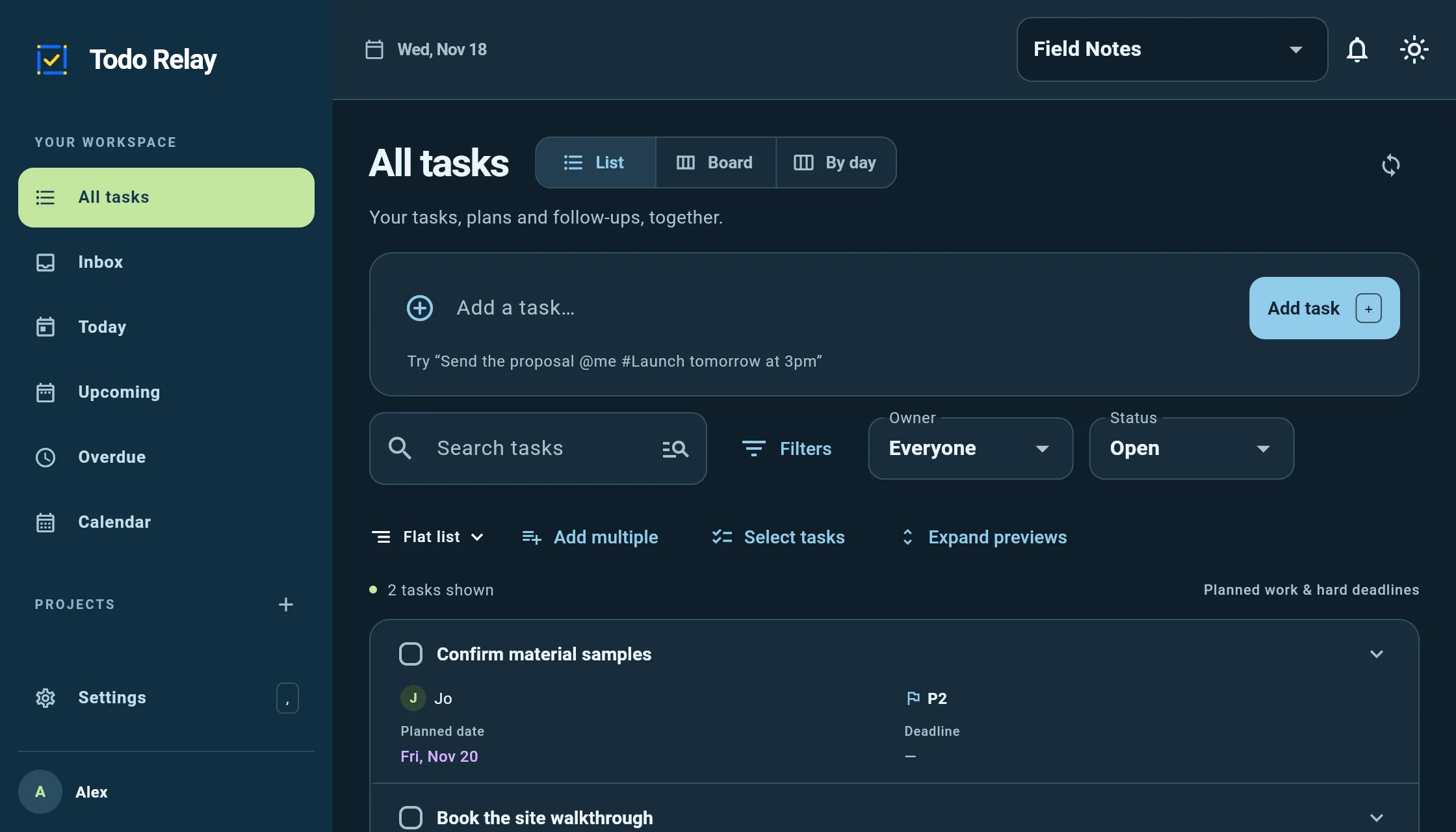
Revised estimate
Hi Alex,
Could you send the revised estimate by Friday at 3pm?
Thanks, Maya
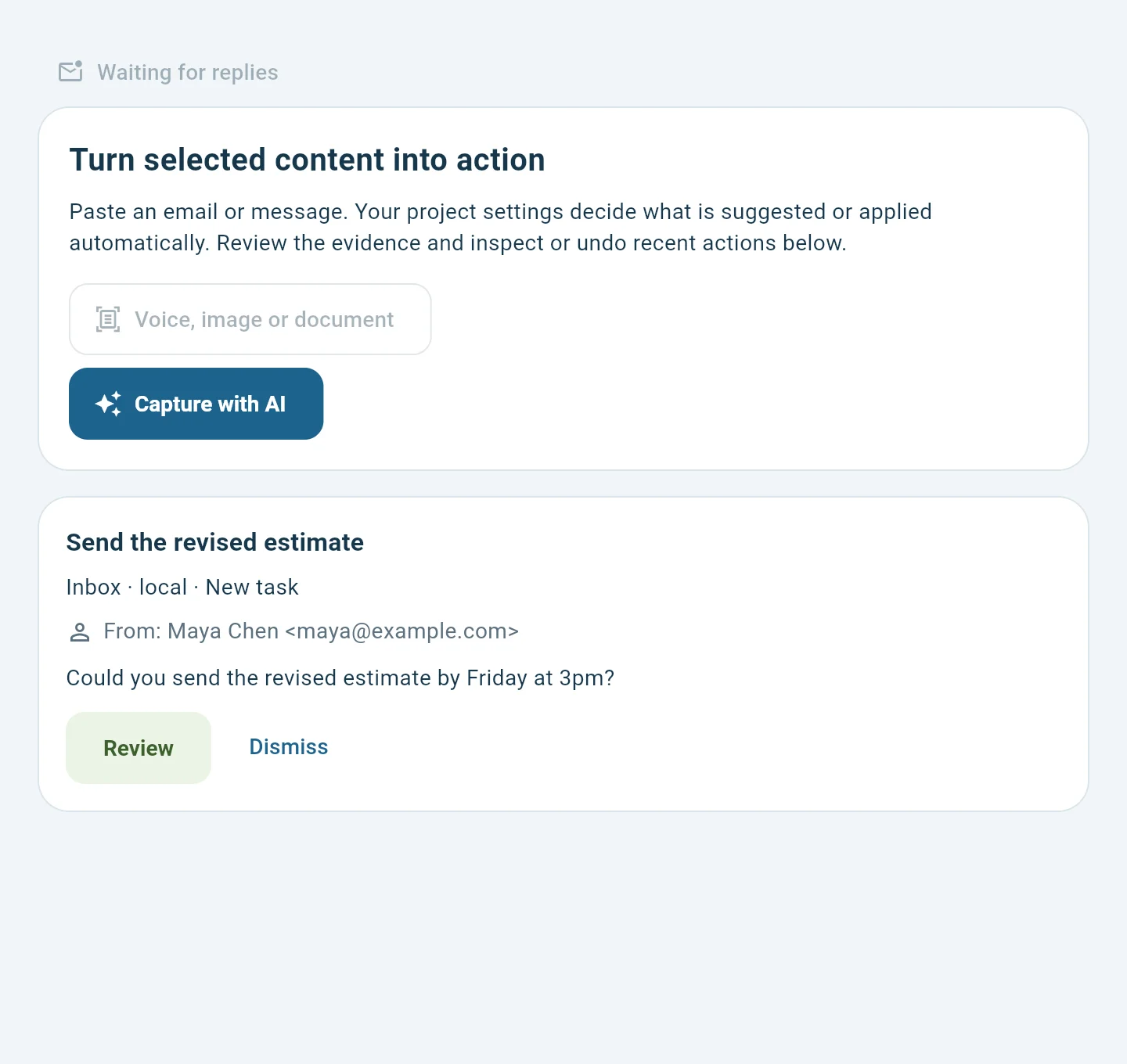
 Task suggestion
From Maya Chen · “Could you send the revised estimate by Friday at 3pm?”
Review the suggestion before it becomes a task.
Create a task from a message
Open the message in Gmail and select Add to Tasks to create a Google Tasks item. Google’s guide to creating a task in Gmail covers the steps.
Review an email follow-up in Todo Relay
- In Connections & AI, connect your account and confirm the mailbox.
- Browse the inbox, choose a message, and ask for suggestions. The review queue shows the proposed task and source excerpt.
- Check the sender, title, and date. Approve to create the task or dismiss the suggestion. Review later replies before linking them to the task.
Connection requirements
Gmail connections require a configured Google connector and consent. Testing-mode OAuth access is limited to authorized test accounts. You can also paste a selected excerpt and review the proposed task using a configured model. See what local processing requires.
Working from Microsoft mail? See the Outlook workflow.